
Welcome, New Irumi!
Follow the guide below to complete your profile and register as an Irumi. You'll soon receive a flood of task matching requests 
Let's take it step by step to register as an Irumi together
Is registering as an Irumi difficult?
How do I become an Irumi?
Pro tips for creating a popular Irumi profile!
How do I receive payment for my work?
Want to edit your profile and availability?
How to Register as an Irumi?
•
Complete Irumi registration in 3 simple steps!
Register Irumi Profile: Add your experience, available tasks, and skills to your profile. Complete Irumi Training: Take the essential training to learn necessary information for Irumi activities. Pass the Irumi Test: Pass the test on essential information for performing Irumi tasks.
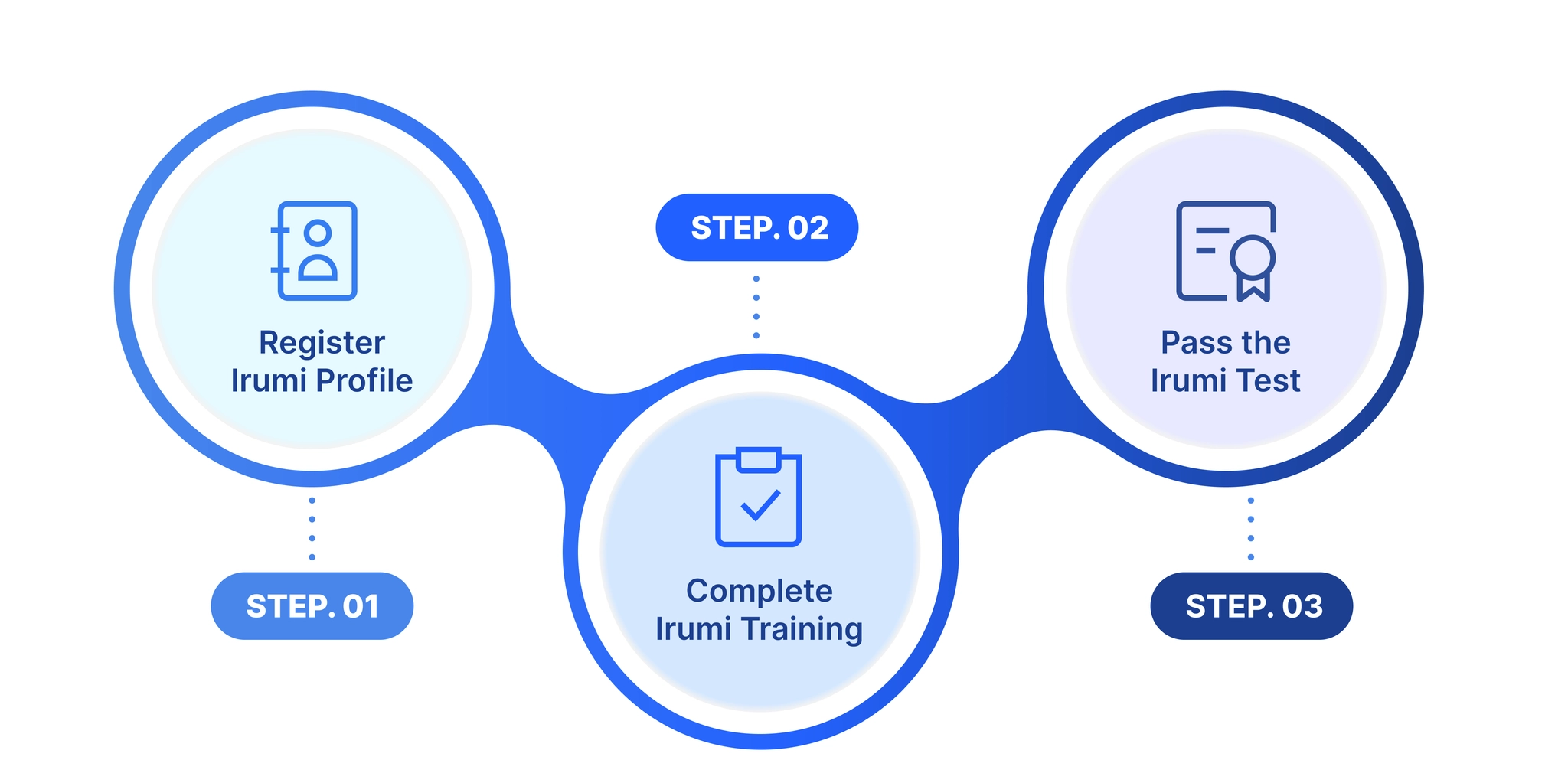
Irumi Registration Process
Follow the process below step by step!
Tip: Make sure to check the toggle usage guide first!(Click Here) Most Important! When you see this button, make sure to click it and explore!!!
Shortcut to Open and Close All Toggles
Windows : Ctrl + alt + t
Mac : ⌘ + ⌥ + t
Step 0. Sign Up as an Irumi & Verify Your Identity
How to Sign Up
Verify Your Identity
Step 1. Register Irumi Profile
Residence & Education
Career
️ Tasks You Can Handle️ Task Skil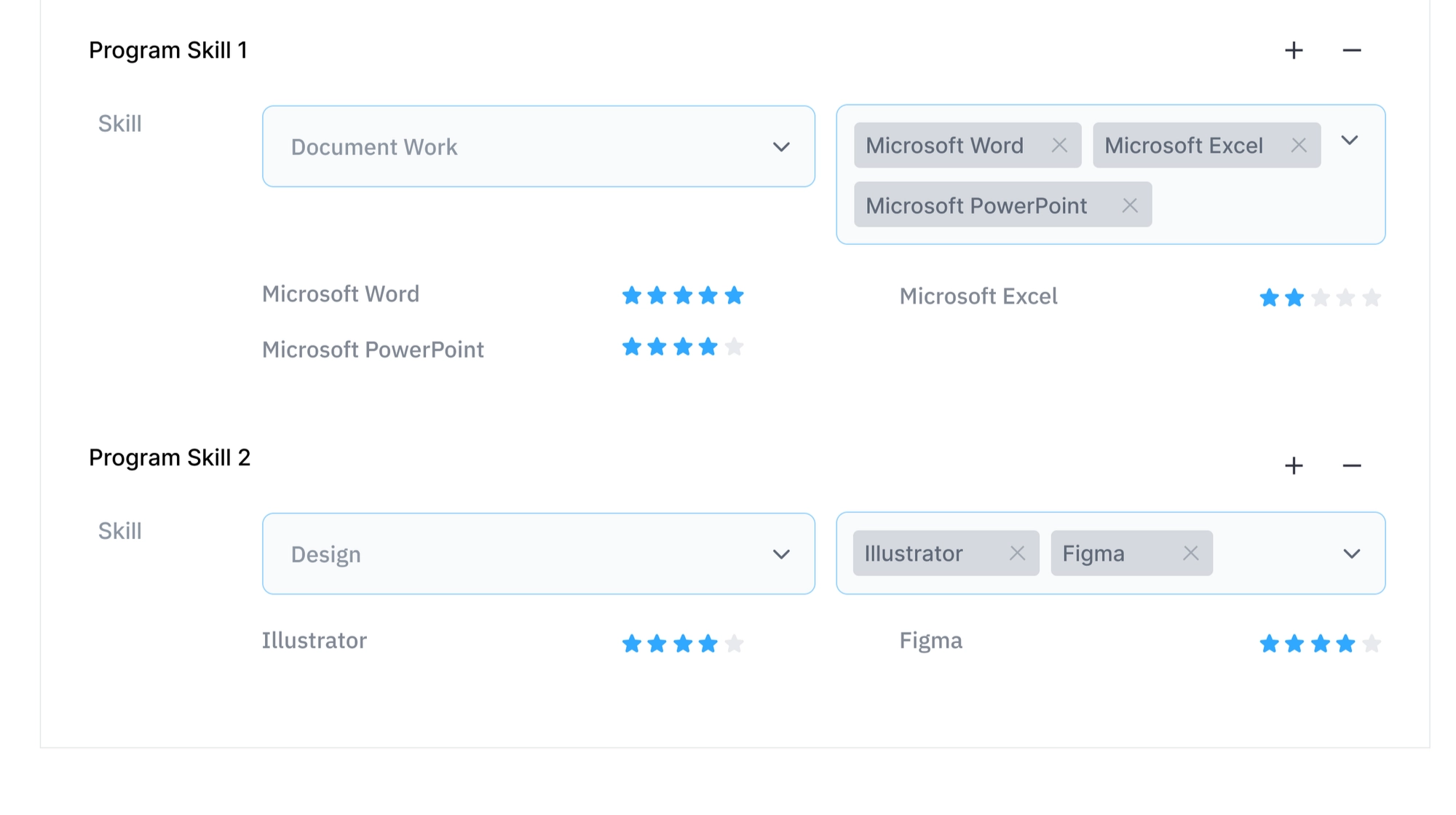
Certificates and Portfolio
️ 업무 희망 일정프로필 등록 완료
Step 2. Irumi Online Training
What is Irumi Online Training?
Step 3. Irumi Test
what is Irumi Test?
Tip 1. Work Settlement Information
Work Settlement Information
Tip 2. Edit Avilable Work Schedule and Irumi Profile
How to Edit Your Profile
Have you completed your registration?
Carefully read the Irumi activity guide below and wait for task matching requests
Recruit Holdings Co., Ltd.
